
The Complete Guide to Smart Home Automation
By Nashville Security Camera Installation LLC, licensed security and automation specialists serving Greater Nashville (TN License TN-2654).
Smart home automation has moved from a novelty to a standard feature in homes across Middle Tennessee. Homeowners in Nashville, Franklin, Brentwood, and nearby communities expect more than a single smart speaker or doorbell camera. They want their security cameras, lights, thermostats, and locks working together instead of sitting as separate gadgets. This guide explains what smart home automation actually means, the equipment that makes it work, and how to plan a system that fits your home and budget. Whether you already own a few smart devices or you are starting from scratch, you will find practical direction here. If you want expert help along the way, Nashville Security Camera Installation LLC installs and supports these systems throughout the Nashville area.
What Is Smart Home Automation?
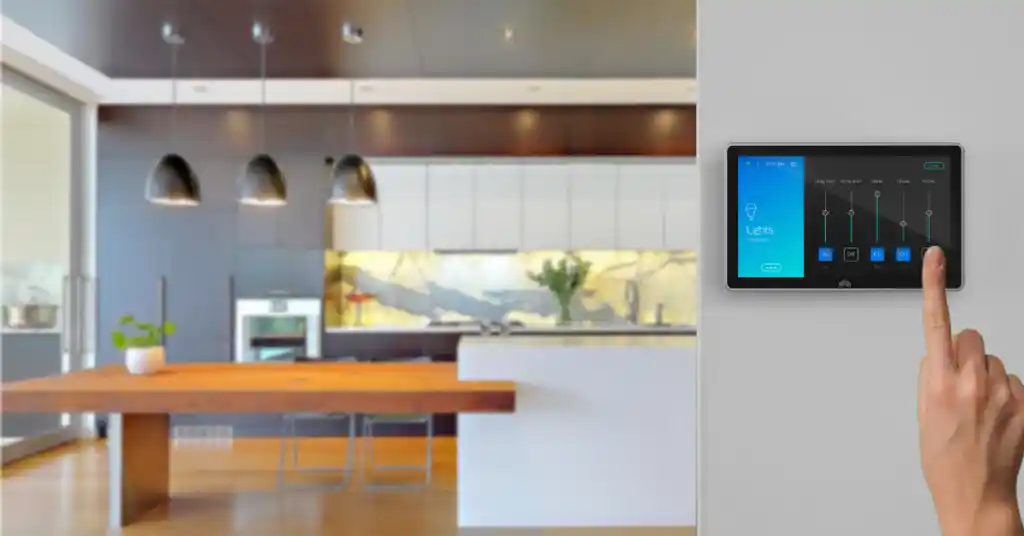
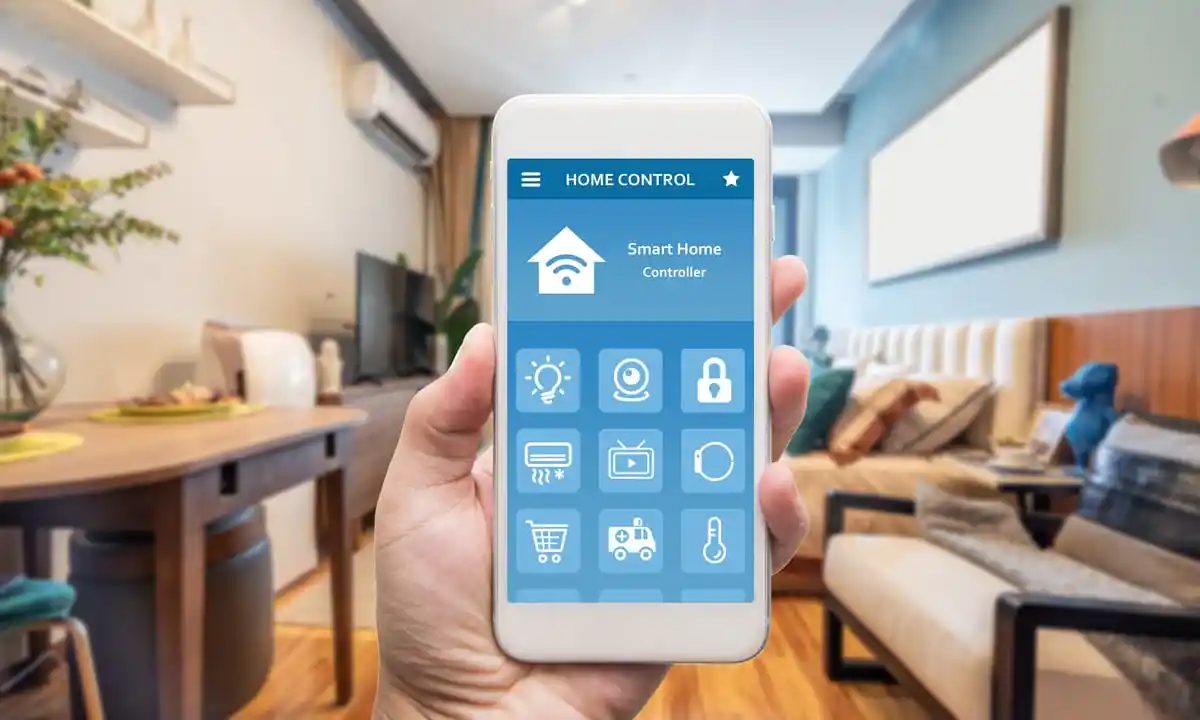
Smart home automation connects your household devices so they can communicate, respond to triggers, and follow schedules without you managing each one by hand. Take a simple example. A door sensor detects an open window, then triggers an alarm and turns on nearby lights at the same time. Instead of controlling a lamp, a thermostat, and a camera separately, one app or panel manages all three together. The system relies on three things: a central hub, a strong Wi-Fi network, and devices built to talk to each other. When those pieces work correctly, your home responds to daily patterns and unexpected events without extra effort from you.
Why Nashville Homeowners Are Investing in Smart Home Technology
That combination of hardware and software matters even more in a region like Middle Tennessee. Davidson, Williamson, Rutherford, Wilson, and Sumner counties remain among the fastest-growing counties in the state. New construction across Smyrna, Spring Hill, Mt. Juliet, and Hendersonville keeps bringing in buyers who expect built-in technology. Nationally, more than half of American households now use at least one smart home device, and that share keeps climbing every year. Local buyers increasingly ask about camera systems, smart locks, and automated lighting before they finalize a purchase. For existing homeowners, a connected system means fewer trips to check locked doors, clearer visibility into deliveries and visitors, and one app instead of several remotes and switches. In a region that keeps growing, a smart home is quickly becoming a standard expectation instead of an upgrade.
The Core Components of a Modern Smart Home System
Meeting that expectation starts with understanding the equipment involved. A complete smart home system usually includes several categories of devices working together. Here is what each one does and why it matters.
Smart Security Cameras
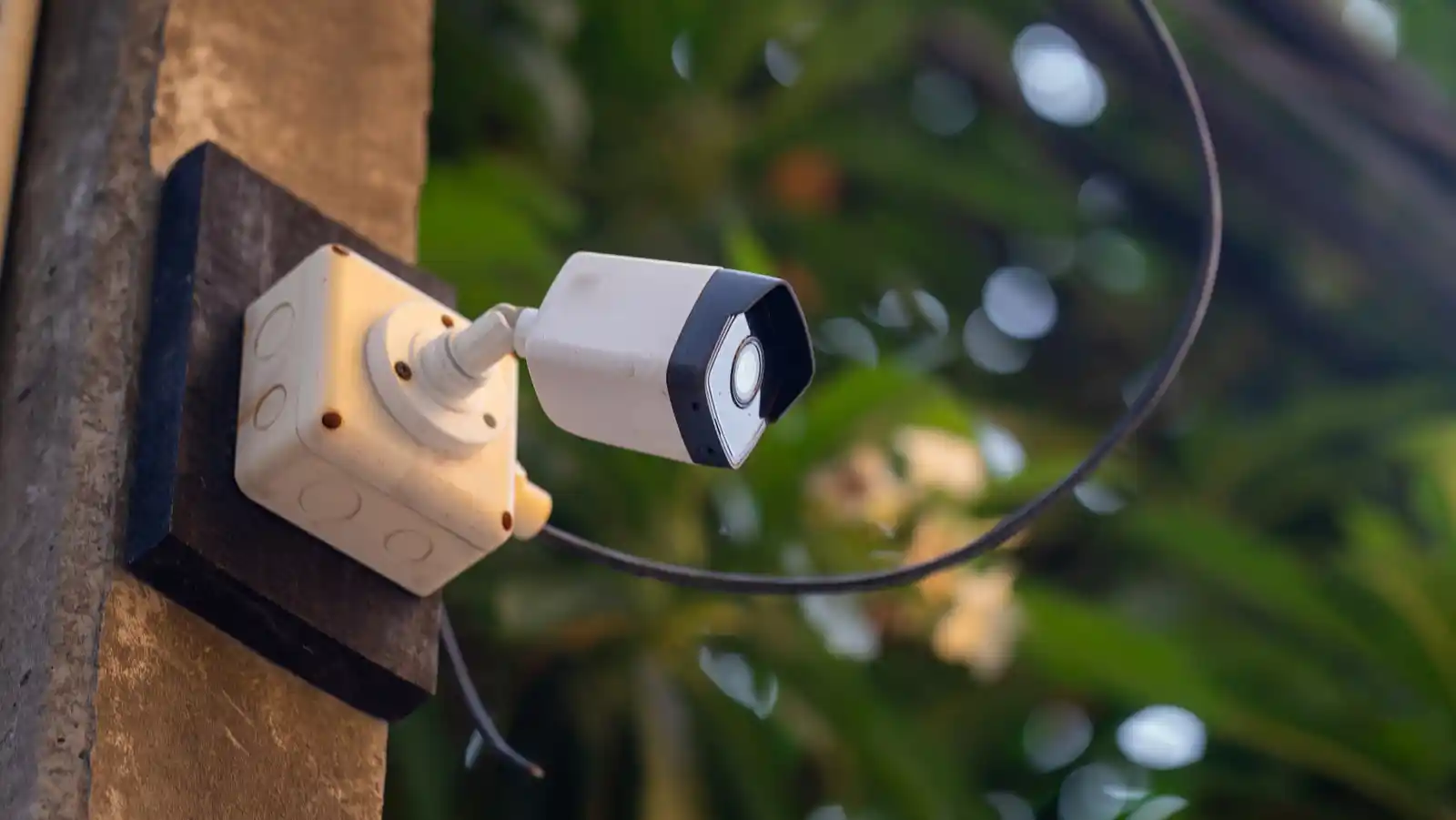
Cameras form the foundation of most smart home setups. Indoor cameras watch nurseries, living rooms, and entry points, while outdoor cameras cover driveways, porches, and yards in every season. Wireless models cut down on installation time and keep wiring out of sight. Larger properties often benefit from a PTZ camera, which pans, tilts, and zooms to track movement across a wide yard. Every camera in a connected system sends an alert to your phone the moment it detects motion. A proper remote viewing setup keeps that footage available for review anytime, so you have a clear record of who came to the door and what happened while you were away.
Alarm Systems and Smart Locks
A monitored alarm system is still the center of most security setups. Sensors on doors and windows report forced entry within seconds, and a loud siren discourages an intruder from staying inside your home. Burglar alarms pair naturally with smart locks, which let you lock or unlock doors from your phone and issue temporary codes to guests or cleaners. Many homeowners also add a panic system near bedrooms or home offices for medical emergencies or break-ins, giving direct access to help with one press of a button.
Motion Sensors and Door and Window Sensors
Sensors are the quiet workers behind every automation. A motion sensor can turn on a light when you walk into a room, start a camera recording, or send an alert if it detects movement after hours. Window and door sensors confirm that every entry point is closed and locked, and they report instantly if someone opens a door or window while the system is armed. Placed correctly, motion sensors also help you save energy by shutting off lights and adjusting the thermostat when a room sits empty.
Smart Lighting
Smart lighting does more than turn a bulb on or off with your voice. Lights can follow a schedule that mimics your routine while you travel, brighten automatically when a camera detects motion at the front door, or dim on their own at bedtime. Outdoor lighting tied to your security system adds another layer of protection, since a well-lit yard removes the hiding spots that make a property look like an easy target. Most systems let you group lights by room, so one tap adjusts an entire floor at once.
Smart Thermostats
A smart thermostat learns your schedule and adjusts the temperature before you reach for the dial. It lowers energy use while you are away and brings the house back to a comfortable temperature before you walk in. Industry data show that a smart thermostat can cut heating and cooling costs by roughly eight percent a year, which adds up quickly across Tennessee’s hot summers and cold snaps. Paired with door and window sensors, a thermostat can also pause heating or cooling automatically when it detects an open window, so you never waste energy on an empty room.
24/7 Home Monitoring
Equipment only works if someone responds when it matters. Professional home monitoring services keep trained staff watching your alarm system around the clock. They contact you or dispatch police, fire, or medical help the moment a sensor trips. Alarm monitoring also covers you when you cannot check your phone right away, such as during a flight or a meeting. Ongoing maintenance keeps batteries fresh, firmware updated, and every sensor reporting correctly, so the system stays reliable for years instead of months.
Reliable Wi-Fi and Network Infrastructure
Smart home devices are only as dependable as the network behind them. Weak Wi-Fi causes dropped camera feeds, delayed alerts, and locks that will not respond. A proper Wi-Fi setup covers every room with a strong signal. Network cabling and structured wiring give larger homes a stable foundation that Wi-Fi alone cannot always provide. Getting this piece right before adding cameras, locks, and sensors prevents most of the connectivity problems homeowners run into later.
Entertainment and Whole-Home Integration
Beyond security and comfort, many homeowners extend automation into entertainment too. Home theater installation,multi-room audio, and professional TV mounting all connect to the same app and voice controls as your lighting and security devices. One system can lower the shades, start a movie, and adjust the volume in the family room, all while keeping the kitchen speakers on a separate playlist. Bringing entertainment into the same platform as security and lighting means fewer apps to manage and fewer remotes to lose.
Top Benefits of Smart Home Automation
Once these pieces work together, the payoff becomes clear.
- Faster response during emergencies. Monitored alarms and panic systems connect you to help within seconds, not minutes.
- Remote visibility from anywhere. Check cameras, locks, and sensors from your phone, whether you are at work or on vacation.
- Lower energy bills. Smart thermostats and lighting adjust automatically, so you stop paying to heat, cool, or light empty rooms.
- Fewer false alarms. Modern sensors and cameras use motion recognition that tells the difference between a person, a car, and a passing animal.
- Possible insurance savings. Many insurers offer discounts for homes with monitored alarm systems and smart security devices. Ask your provider directly, since discounts vary by company and policy.
- Higher resale value. Buyers increasingly expect home automation as a standard feature, and a documented system can become a selling point when you list your house.
- One app instead of many. Lighting, locks, thermostats, and cameras respond to a single dashboard instead of six different apps.
Professional Installation vs. DIY: What Fits Your Home?
Reaching these benefits depends heavily on how the system gets installed in the first place. Store-bought kits look simple, but most homeowners run into trouble once they try to connect several brands into one system. DIY works fine for a single camera or one smart plug. It struggles when you want cameras, locks, sensors, and lighting to work together without gaps in coverage or dead zones in your Wi-Fi.
Professional installation solves these problems from the start. A trained technician places every device where it needs to be, wires anything that benefits from a hard connection, and configures the whole system to work as one unit instead of separate gadgets. You also get a single point of contact for system upgrades later, rather than troubleshooting compatibility issues on your own. For most homeowners, the extra upfront cost of professional installation pays for itself through fewer service calls and a system that works correctly the first time.
Smart Home Automation Across Nashville’s Growing Suburbs
Installation quality also depends on where you live. Every neighborhood has its own layout, construction style, and connectivity challenges. A system that works well in a downtown Nashville condo may need adjustments for a large lot in Franklin or Brentwood. Newer subdivisions in Spring Hill and Mt. Juliet often already has strong Wi-Fi coverage. Older homes in Hermitage and Madison may need additional network cabling to support several cameras at once. Larger properties in Arrington and Kingston Springs benefit from PTZ cameras that cover long driveways and open acreage. Homeowners in Hendersonville, Goodlettsville, and Smyrna frequently combine security cameras with smart locks for rental properties and homes near busy roads. Wherever you live in the greater Nashville service area, the right smart home plan starts with an honest look at your property, not a package designed for a different house.
Common Mistakes to Avoid When Building a Smart Home
Even with the right local knowledge, a few mistakes can undermine an otherwise solid system.
- Buying mismatched devices. Cameras, locks, and sensors from different brands do not always talk to each other. Check compatibility before you buy, or work with an installer who already knows which systems pair well.
- Ignoring Wi-Fi coverage. A camera in a dead zone drops its connection right when you need it most. Test signal strength in every room before placing permanent equipment.
- Skipping professional monitoring. A loud siren helps, but a monitored system contacts emergency services even when you cannot answer your phone.
- Placing cameras poorly. Glare, tree branches, and direct sunlight can block a clear view. A trained technician positions each camera to avoid these issues from day one.
- Forgetting backup power. A system with no battery backup goes dark during a storm, which is exactly when you need it working.
- Using weak passwords. Every smart device connects to the internet, so weak or reused passwords give intruders an easy way in. Update default passwords the day you install new equipment.
How to Choose the Right Smart Home Provider
Avoiding these mistakes starts with choosing the right team from the beginning. Look for a company that is licensed and insured in Tennessee, since this protects you if equipment is damaged or installed incorrectly. Ask how the company handles ongoing monitoring and maintenance, not just the initial setup. A good provider explains pricing clearly, answers questions about equipment ownership versus leasing, and gives you a realistic timeline before work begins. Local experience matters too. A team that already understands the older wiring in Nashville’s historic neighborhoods, along with the new-construction layouts in Spring Hill and Mt. Juliet, will plan your system more accurately than one working from a generic template.
Frequently Asked Questions
Here are quick answers to the questions we hear most often.
A complete system typically includes security cameras, door and window sensors, smart locks or an alarm panel, smart lighting, a smart thermostat, and a stable Wi-Fi network that connects everything to one app.
A single smart plug or bulb works fine as a DIY project. A full system with cameras, sensors, and monitoring benefits from professional installation, since a technician can prevent gaps in coverage and Wi-Fi dead zones that DIY setups often miss.
Most alarm panels keep working through a cellular backup connection, even during an internet or power outage, so your monitored alarm and panic system stay active. Wi-Fi-only cameras and smart plugs typically need an internet connection to send alerts.
Many insurance companies offer discounts for monitored alarm systems, smart smoke detectors, and water leak sensors. Contact your insurance provider directly to confirm which devices qualify and how much you could save.
A single room or a few devices can be finished in a few hours. A full-home system with cameras, sensors, lighting, and network upgrades usually takes one to two full days, depending on the size of the home and the number of devices.
Get a Smarter, Safer Home Today
Smart home automation works best when cameras, sensors, lighting, and monitoring are planned together instead of added piece by piece. Nashville Security Camera Installation LLC has installed and supported these systems throughout Nashville, Franklin, Brentwood, Smyrna, and the surrounding area for years. Our licensed technicians (TN License TN-2654) can design a system that matches your home, your budget, and your daily routine. Call (615) 870-7020 or visit our contact page to schedule a consultation and see what a properly connected home feels like.